


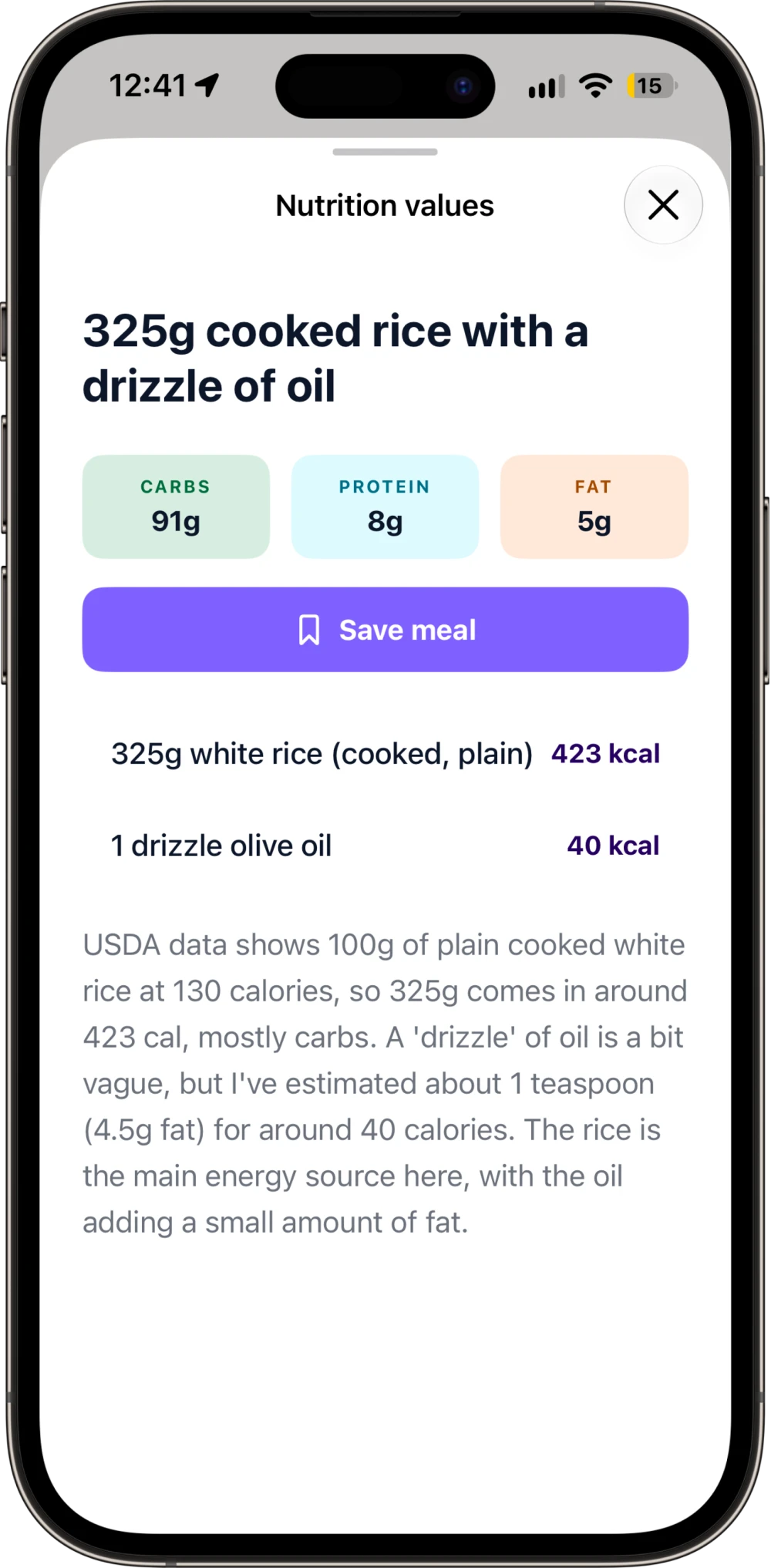
Nutrition details
See what makes up a meal.
Open any meal for its carbs, protein, and fat, along with an explanation of the calorie estimate.
CalFood for iPhone
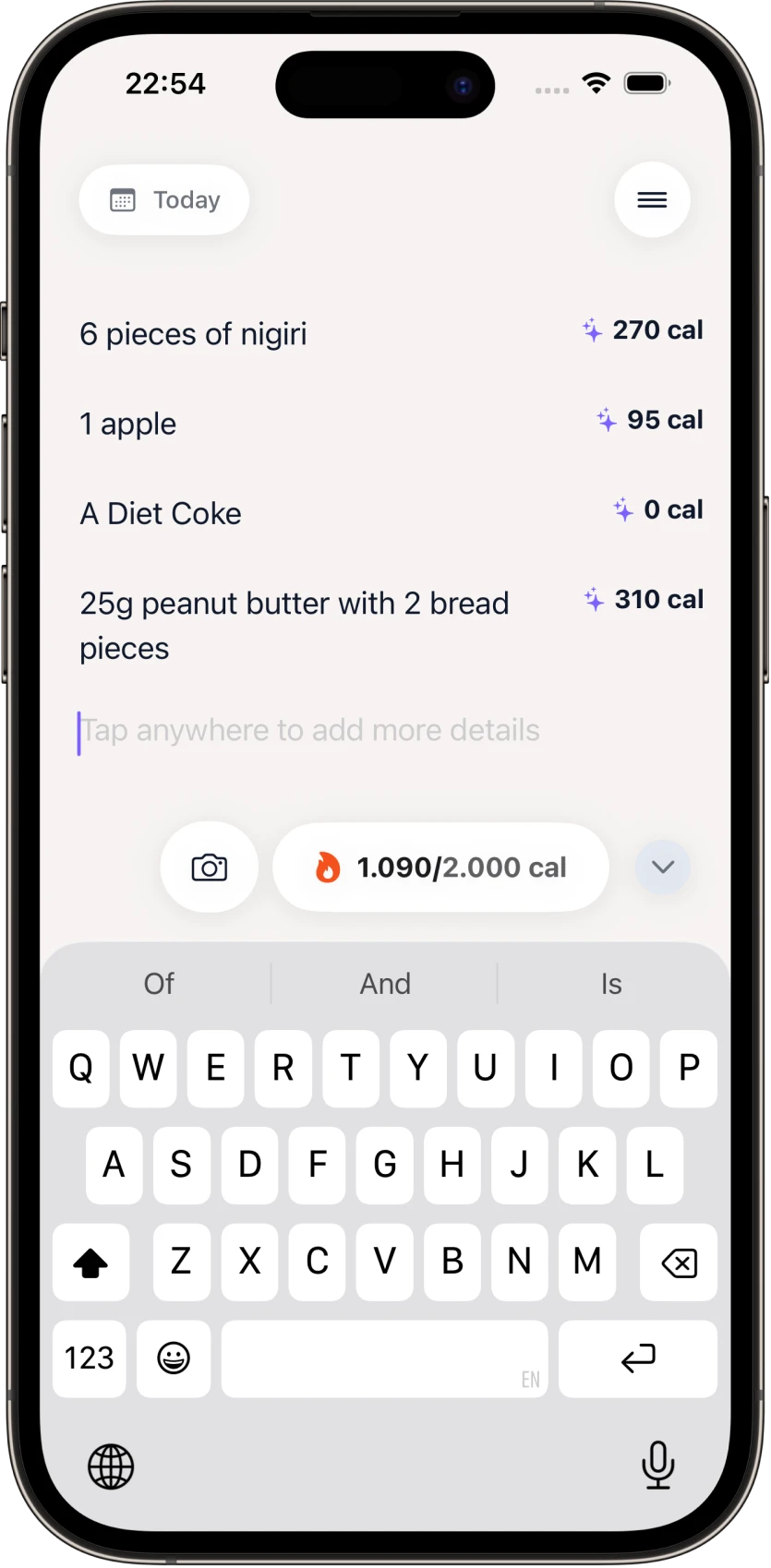
Write what you ate or take a photo. CalFood estimates the calories and macros, then keeps track of your daily totals.
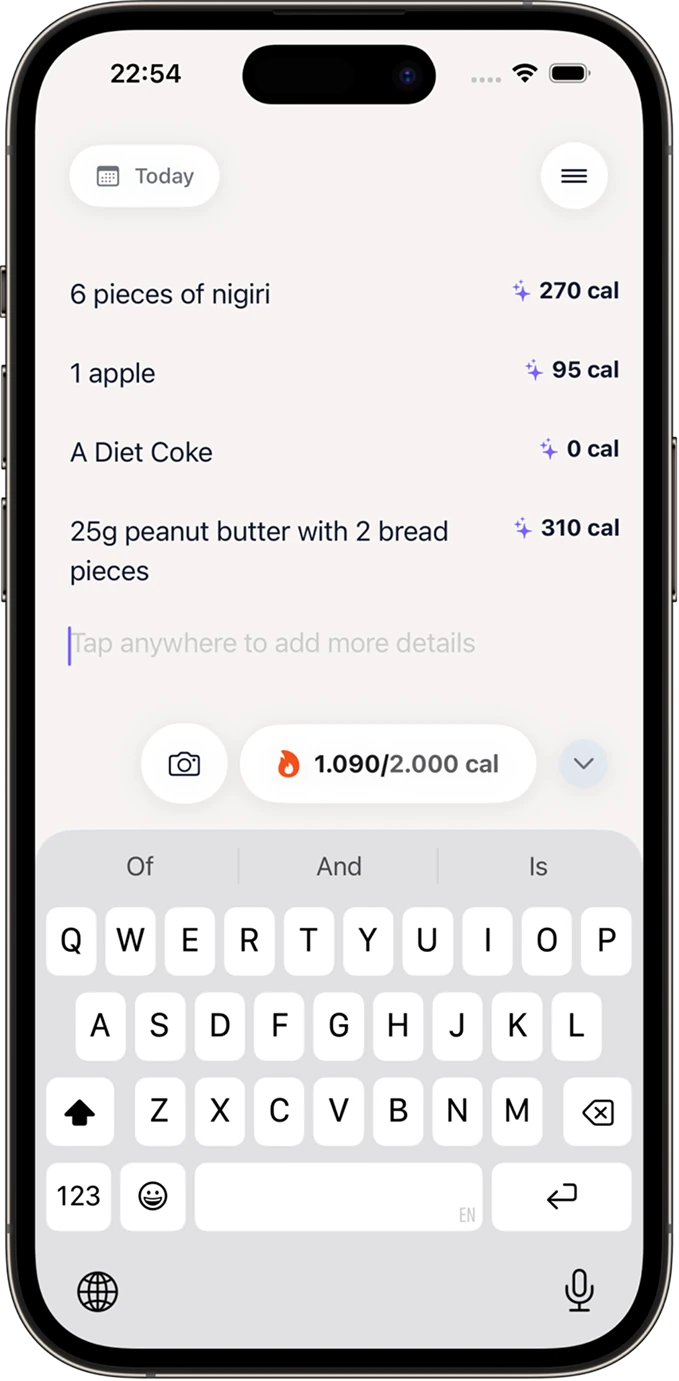
A meal, in your words
6 pieces of nigiri
Why CalFood
Describe a meal the way you’d write it in a note. Include the portions you know; CalFood works out a calorie and macro estimate.
Example meal note
“McDonald’s Big Mac”
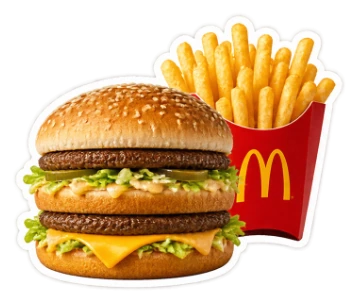
Example estimates. Portions, preparation, and customizations can change the result.
How it works
A note becomes a food log, with the details a tap away. Choose a step to take a look.
Camera logging
“Grilled chicken with vegetables.”
Typing isn’t the only way. Take a photo, review what CalFood identifies, and add it to your diary.
Beyond the calorie number
Look closer at what you ate, then see how the day adds up.
Nutrition details
Open any meal for its carbs, protein, and fat, along with an explanation of the calorie estimate.
Daily totals
See your logged calories and macros beside your daily targets. You can review and edit those goals in Settings.
Nutrition values are estimates. Portions and ingredients affect the result.
CalFood will be free for a limited time when it launches on the App Store. Leave your email in the launch signup form so we can notify you when it’s available and you can claim free access.
Calories and macros are estimates, not measurements. The ingredients and portions you describe affect the result. Open a meal to review its food items and macro breakdown. CalFood is for personal tracking, not medical advice.
Write the food and the portions you know, such as “6 pieces of nigiri” or “2 eggs and a slice of toast.” You can include preparation details, sauces, and drinks too.
CalFood is coming to the App Store. Choose “Notify me at launch” and leave your email. We’ll send one launch email with the App Store link so you can claim free access during the launch offer.
Yes. You can review and edit your calorie and macro targets in Settings. Your daily totals show how the meals you’ve logged compare with those targets.
Meal notes are stored with your account in Firebase. With your permission, meal text and selected photos are sent to Google Gemini for estimates over encrypted connections. You can turn AI sharing off in Settings.
Read the Privacy PolicyCalFood for iPhone
CalFood will be free for a limited time at launch. Leave your email so we can notify you when it’s on the App Store and you can claim free access.